Give shoppers a useful way back: seven original email ideas, a simple sequence to test, and the checks that keep recovery helpful and profitable.
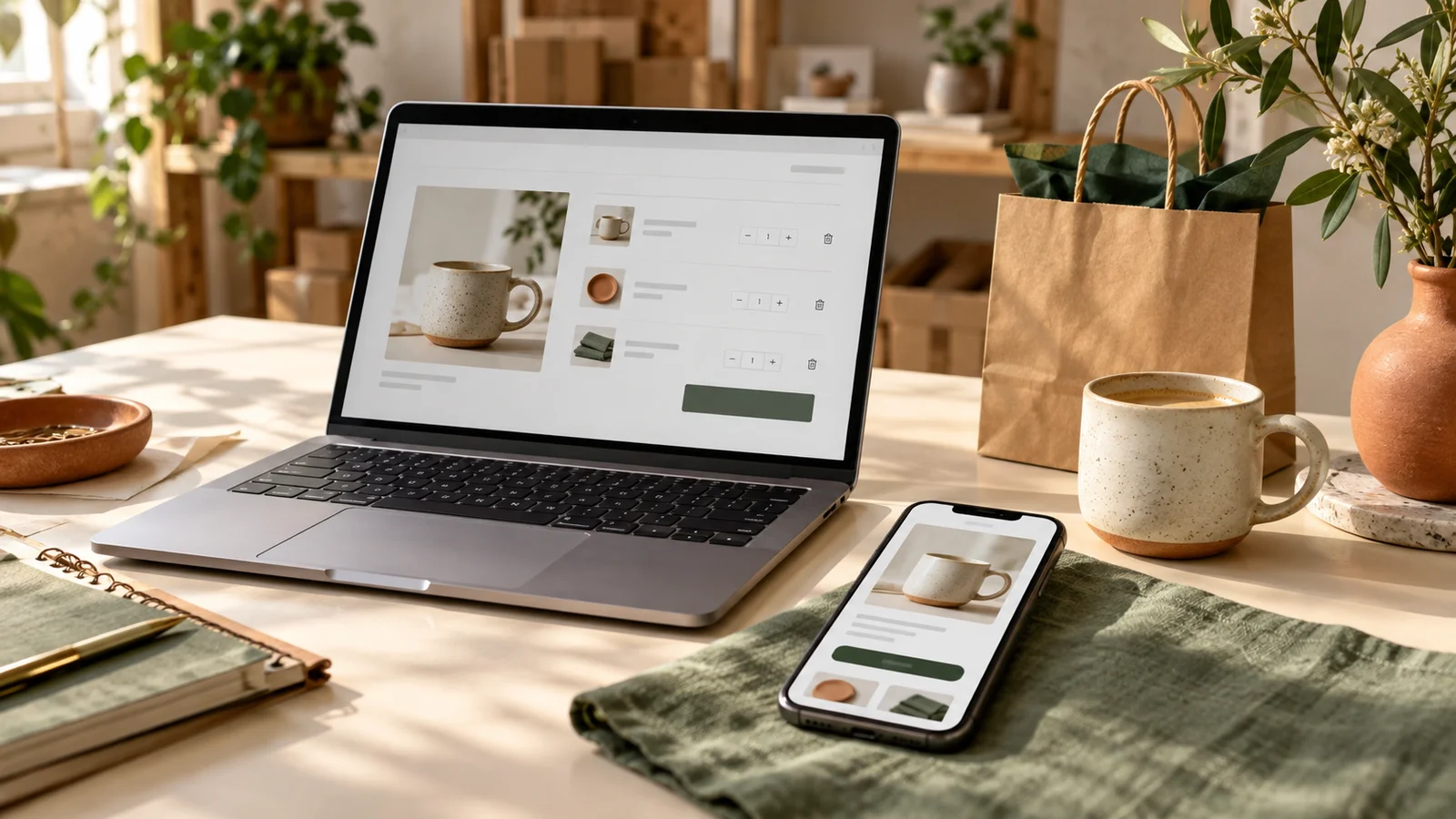
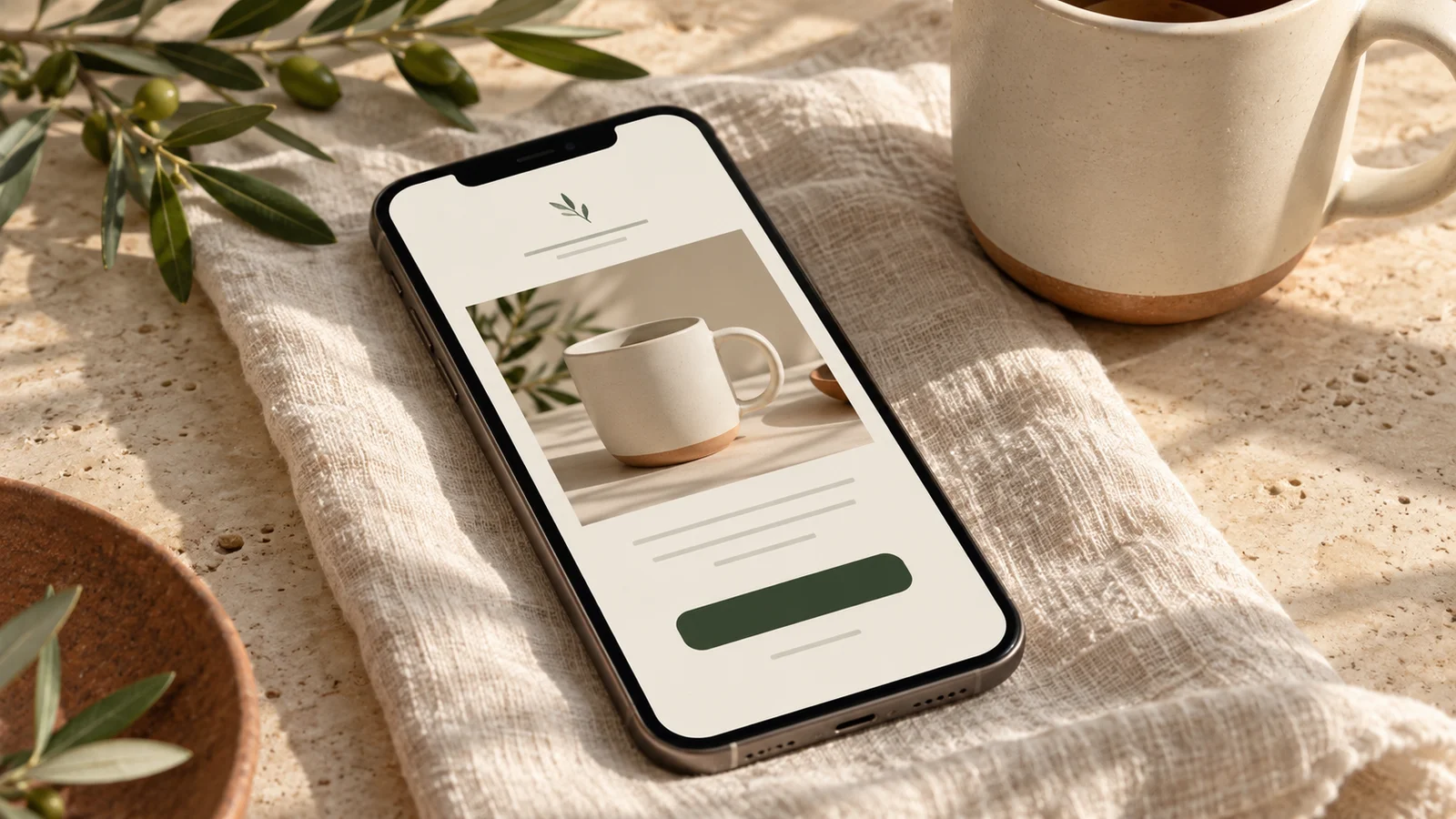
AI-generated editorial imagery illustrates fictional products and email layouts.
A good recovery email should earn its place in the inbox. It might save a shopper the effort of rebuilding a basket, answer a delivery question, or help them choose the right size. Repeating “you forgot something” seven times is not a strategy.
Use the seven examples below as a menu, not a seven-email sequence. Select one to three messages that address your customers’ actual decisions. These are original illustrative drafts, inspired by the topic of MailerLite’s recovery-email article, not copies of its brand examples.
Before using a template
Replace every bracketed field with a verified fact or a real platform variable. Include the actual product and variant where available, a functioning return link, your normal sender identity and required footer, and an unsubscribe mechanism. Confirm the recipient is eligible for this marketing message. Do not label an item reserved, an offer exclusive, or stock scarce unless the claim is true.
1. The straightforward return link
Best use: An interrupted purchase with no known objection.
Subject: Continue with your [product] selection
Preview: Review your items and current total in one place.
You selected [product, variant, and quantity]. If you would like to continue, your checkout link is below. You can review availability and the total before paying.
Need a detail before you decide? Reply to this email.
Button: Return to my checkout
Check: Open the link in a controlled test. It should restore the right basket without exposing another customer’s details.
2. The sizing or compatibility answer
Best use: Products with a recurring fit question.
Subject: Check the fit before choosing [product]
Preview: The measurements you need, without the guesswork.
Before you choose [product], compare [measurement or requirement] with [your space, item, or setup]. Our guide shows [verified detail] and how to measure.
If you are between options, reply and tell us what you are trying to fit.
Button: Check the fit guide
Check: The guide must match the specific product and include a clear way back to the selection. Avoid unsupported compatibility promises.

3. The delivery explanation
Best use: Shoppers need to understand shipping before paying.
Subject: Shipping details for your [product]
Preview: Here is where to check cost and delivery estimates.
Shipping cost and delivery estimates depend on [verified factors]. You can review the options for your address at checkout before placing your order.
For the full policy, including [relevant limitation], see our shipping guide.
Button: Review delivery options
Check: An estimate is not a guarantee. Do not quote a universal arrival date when the warehouse, destination, or shipping service changes it.
4. The return-policy clarification
Best use: The customer needs to understand the consequences of a poor fit.
Subject: What happens if [product] is not right?
Preview: The return terms, clearly explained.
Before you order, here are the key return terms: [window, condition requirements, exclusions, and who pays return shipping]. The full policy is linked below.
If you are unsure whether your situation is covered, please ask before buying.
Button: Review returns and my selection
Check: “Risk free” would be misleading if fees or exclusions apply. Summarize the material terms accurately.
5. The help-first message
Best use: A product that often needs advice.
Subject: Can we help you choose [product type]?
Preview: Tell us the question you are trying to answer.
Is there a product detail you still need? Reply with your question about [fit, use, or contents], and our team can point you to the right information.
If you already have what you need, here is the link to continue.
Button: Review my selection
Check: A person must monitor replies. State a response time only if your team can meet it.
6. The margin-approved incentive
Best use: A deliberate offer test after you have checked costs.
Subject: [Accurate offer] on your eligible selection
Preview: Review the terms before you use it.
If [product] is still on your list, [offer] is available for [eligible items or customers]. Use [code or automatic application] by [real deadline and time zone].
[Minimum spend, exclusions, and combination rules.] Review your final total before paying.
Button: Review my eligible offer
Check: Test the code, exclusions, and expiry. A free-shipping offer has a cost even when the customer sees a zero.
7. The final courteous reminder
Best use: Ending a short sequence.
Subject: Our final checkout reminder for [product]
Preview: Continue if it suits you; otherwise no action is needed.
We will finish this reminder series here. If you would still like [product], you can review it below. If your plans changed, no action is needed.
Product questions are welcome whenever you need help.
Button: Review the product
Check: End the workflow and enforce a sensible re-entry limit. A final reminder should not restart tomorrow because the same item remains in the cart.
A practical first sequence
Try example 1 after roughly one hour, choose one decision-support example for the next day, and optionally use example 7 after another day or two. Treat this as a proposed test, not a proven optimum. Recheck order status and marketing eligibility before every message. Stop on purchase, unsubscribe, or an invalid checkout.
Check what your integration can actually detect
MailerLite’s current Shopify integration requires subscribed customers; cart recovery depends on recognition, while checkout recovery is restricted to returning purchasers. Test both buyer types. See the official integration guide. Also coordinate with Shopify’s own workflow so customers do not receive overlapping reminders; MailerLite provides instructions for disabling duplicate recovery emails.
Track recovered orders and what they contribute
For a defined cohort and window, record eligible customers, delivered emails, clicks, paid orders, discounts, refunds, and variable costs. Separate email-attributed sales from a causal lift estimate. Shopify’s recovery documentation explains that a recovered checkout can include someone completing independently after the email.
Illustrative economics: a $60 order minus $24 product cost, $7 fulfillment, and $2 payment costs leaves $27 before acquisition and overhead. A $6 discount leaves $21 if other costs stay fixed. Compare contribution, not just order count. Use the discount guide and shipping-threshold guide before choosing an offer.
Your pre-launch check
- Complete a controlled purchase and confirm later reminders stop.
- Test a returning buyer, a new buyer, and a person without marketing permission.
- Check mobile reading, product details, every link, replies, and unsubscribe behavior.
- Verify stock changes, expired offers, and unavailable-item handling.
- Record who will review results and maintain the policies in the templates.
Start with one helpful reminder and one real question. You can learn from customer replies before building a more complex automation. The email-planning guide will help turn those observations into your next brief.
Published October 16, 2026. Examples are original drafts; replace placeholders before sending. No recovery rate or revenue result is promised.
Lifecycle Revenue Sprint · From $1,500
Build or repair one agreed email flow in your existing platform, with up to three emails and trigger QA.
Start with a free fit conversation. A written scope and payment instructions come before paid work begins.