Start with one exception: a third-party fulfillment service cannot complete an accepted request. Route the failure to a named operations owner, include a link to the order, and review the run before retrying anything.
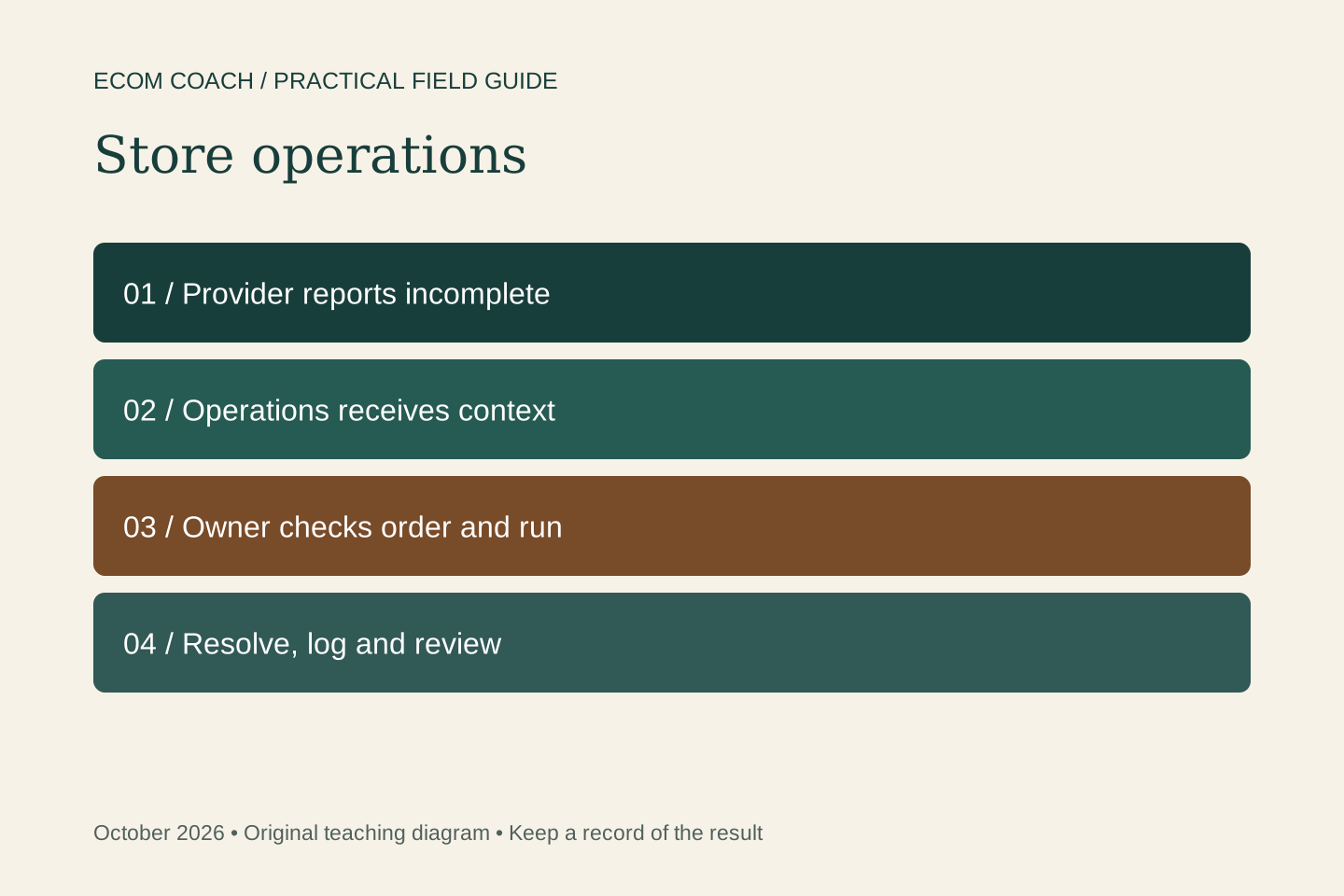
An order exception is useful only if someone can act on it. A vague “something failed” message creates another task. A useful alert identifies the order, explains the event, and tells the next person what to check.
Scope: this is a documentation-based setup recipe, not a claim that we ran it in your store. It covers a third-party fulfillment service closing an accepted fulfillment request as incomplete. Shopify's trigger does not cover manual fulfillment. Choose another workflow if that is how your store operates.
Prepare the inputs and the owner
- An installed Shopify Flow app and permission to edit workflows.
- A fulfillment provider that supports the event and a safe test-order procedure agreed with that provider.
- A fixed operations email address and a named person who checks it during agreed coverage hours.
- A simple exception log: order reference, run reference, observed status, owner, next action and resolved time.
Choose an escalation interval that fits your customer promise and staffing. For example, an internal target of reviewing an alert within one business hour is a proposed operating rule, not a delivery guarantee. Name the backup when the usual owner is absent.
Build the smallest workflow
- Create a workflow using Fulfillment service failed to complete.
- Add the Send internal email action. Set the recipient to your fixed operations inbox. Shopify does not allow a variable in this action's recipient field.
- In the subject and body, use the editor's variable picker to insert the order reference and relevant fulfillment information exposed by this trigger. Do not paste guessed Liquid field names.
- Include instructions to open the order in Shopify, verify its current status, and record an owner before taking action.
- Name the workflow clearly, save it, and activate it only when the test and monitoring owner are ready.
A message the owner can use
Fulfillment needs review: [order reference from variable picker]. A fulfillment service reported it could not complete an accepted request. Open the order and the Flow run; confirm what remains unfulfilled. Record your name and next action in the exception log. Do not automatically refund, resubmit or promise a replacement. Escalate to [backup role] if provider status is unclear.
Keep the inbox message short. Link to the authenticated order record instead of copying addresses or customer histories into email. The alert is a prompt to investigate; the order and provider records are the evidence.
Test before depending on the alert
| Case | How to check | Pass condition |
|---|---|---|
| Provider reports incomplete | Use the provider's approved test order and event procedure. | Flow records the run and the intended inbox receives a usable reference. |
| Order completes normally | Complete a separate test order normally. | This failure workflow does not create an exception alert. |
| Recipient unavailable | Review the inbox and backup coverage with the team. | A named backup can see and own the exception. |
| Run fails | Inspect the failed step and error in Flow. | The owner can diagnose it without assuming the order itself failed. |
| Repeat event or retry | Review the same order/run references in the log. | The team recognizes duplicate alerts and does not repeat a fulfillment action. |
Recover without multiplying the problem
If the email action fails, repair that configuration and verify what already happened before retrying. Shopify's retry process uses the original trigger data, while some later data retrieval and workflow logic can reflect current conditions. Confirm the workflow is active, the run is no longer waiting or running, and the trigger is compatible. An action that already succeeded may produce a duplicate on a new run.
This recipe deliberately stops at an internal alert. A person confirms whether the provider will retry, whether another location can fulfill, and whether customer communication is required. Automated refunds or replacement orders need their own approval and duplicate-prevention design.
Review after a week of real exceptions
Count alerts, unique affected orders, duplicate notifications, time to ownership and unresolved cases. Review the full handling effort before claiming time saved. If the workflow never fires, verify event coverage; silence does not prove there were no exceptions.
Print the setup and test worksheet. If you need help deciding which store process deserves automation first, start with the store assessment or discuss ecommerce coaching.
Sources and further reading
- Shopify Flow: fulfillment-service failure trigger
- Shopify Flow: internal email
- Shopify Flow: retry workflow runs
Sources checked October 20, 2026.
Ecommerce Growth Coaching · $750 / month
Two working sessions per month on one growth priority, with written next steps and one agreed artifact review.
Start with a free fit conversation. A written scope and payment instructions come before paid work begins.