Ask whoever maintains your shopping assistant whether it still uses the old Storefront MCP catalog or cart tools. Those tools have been removed from /api/mcp; current catalog and cart integrations use UCP at /api/ucp/mcp. Policy and FAQ search is a separate case.
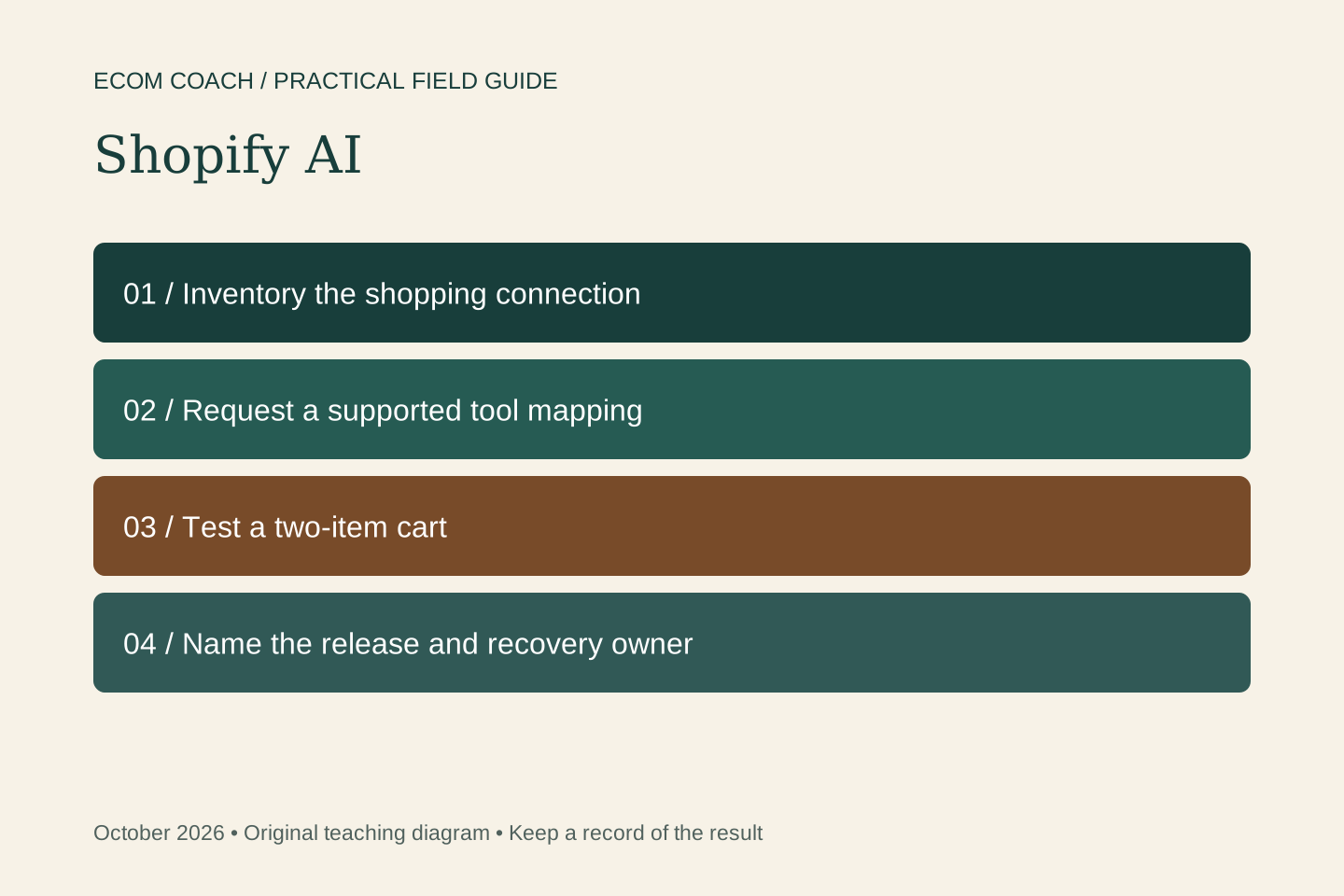
A shopping assistant can appear healthy while a buyer's cart is wrong. Treat a connector migration as a checkout journey change: ask for evidence that product selection, quantities and handoff still work.
As checked on October 20, 2026, Shopify's official migration guide says the legacy Storefront MCP catalog and cart tools have been removed. This does not mean every Shopify app or every MCP connection needs the same change. Developer documentation tools, merchant administration and customer shopping connections have different jobs.
Find the integration you actually have
Write down the assistant or app name, its owner, the storefronts it serves, and whether it reads products, changes a cart, starts checkout or only answers policy questions. Ask the vendor to identify the endpoint and tools in use. A screenshot of an AI answer is not evidence that the connection is current.
| Customer task | Ask your developer |
|---|---|
| Find products | Have you migrated legacy catalog calls to Storefront Catalog MCP? |
| Add or change cart items | Are you using UCP Cart MCP and preserving the complete intended cart state? |
| Start checkout | Is the handoff using the supported Checkout MCP flow with its required authentication? |
| Answer store policies | Does this use the still-supported policy/FAQ tool on the existing endpoint? |
Agree on a customer test sheet
- Search for an existing product and verify the selected variant, current price and availability against the storefront.
- Add two different items, then change the quantity of only one. Confirm that the other item remains in the cart.
- Try an unavailable variant. The assistant must explain the problem rather than invent stock or a substitute purchase.
- Interrupt the flow, return, and verify the actual cart before continuing.
- Check the final items, quantity, discounts if applicable and shipping/tax presentation through the supported checkout handoff. Use an agreed test mode; do not create a real charge just to test.
- Ask a policy question and compare the answer with the current store policy.
Decide what happens during the change
Keep a normal storefront link available so a buyer can continue if the assistant fails. Agree on a release window, who checks the first sessions, and a way to disable the assistant's cart-writing behavior if results are wrong. Rolling back application code cannot revive an API that has been removed.
Before launch, collect the test date, supported markets, tool versions, pass/fail evidence and owner. Recheck when the app or Shopify integration changes. Do not accept “it connects” as the entire acceptance test.
Give the implementation team a precise brief
Inventory our shopping assistant's current endpoints and tools. Map each customer task to Shopify's supported replacement. Test a two-item cart, quantity change, unavailable variant, interrupted session and checkout handoff. Explain how you preserve cart state, validate the agent profile and recover from an uncertain response. Provide test evidence and a named maintenance owner.
Your developer can use the technical migration guide. For the wider choice of Shopify AI tools, read our practical Shopify AI guide. Start with the store assessment if you need help prioritizing this against other conversion problems.
Sources and further reading
Sources checked October 20, 2026.
Ecommerce Growth Coaching · $750 / month
Two working sessions per month on one growth priority, with written next steps and one agreed artifact review.
Start with a free fit conversation. A written scope and payment instructions come before paid work begins.